

DCS Workshops Teach Tolerance Analysis Skills – FEA and Modeling Tips
DCS Workshops at the DCS Global Technology Conference teach new users how to bring Finite Element Analysis into their tolerance analysis simulations and a series of tips, tools and tactics to improve modeling speed and efficiency.
From Tackling Tough Tolerance Analysis Scenarios – DCS Conference Day 3
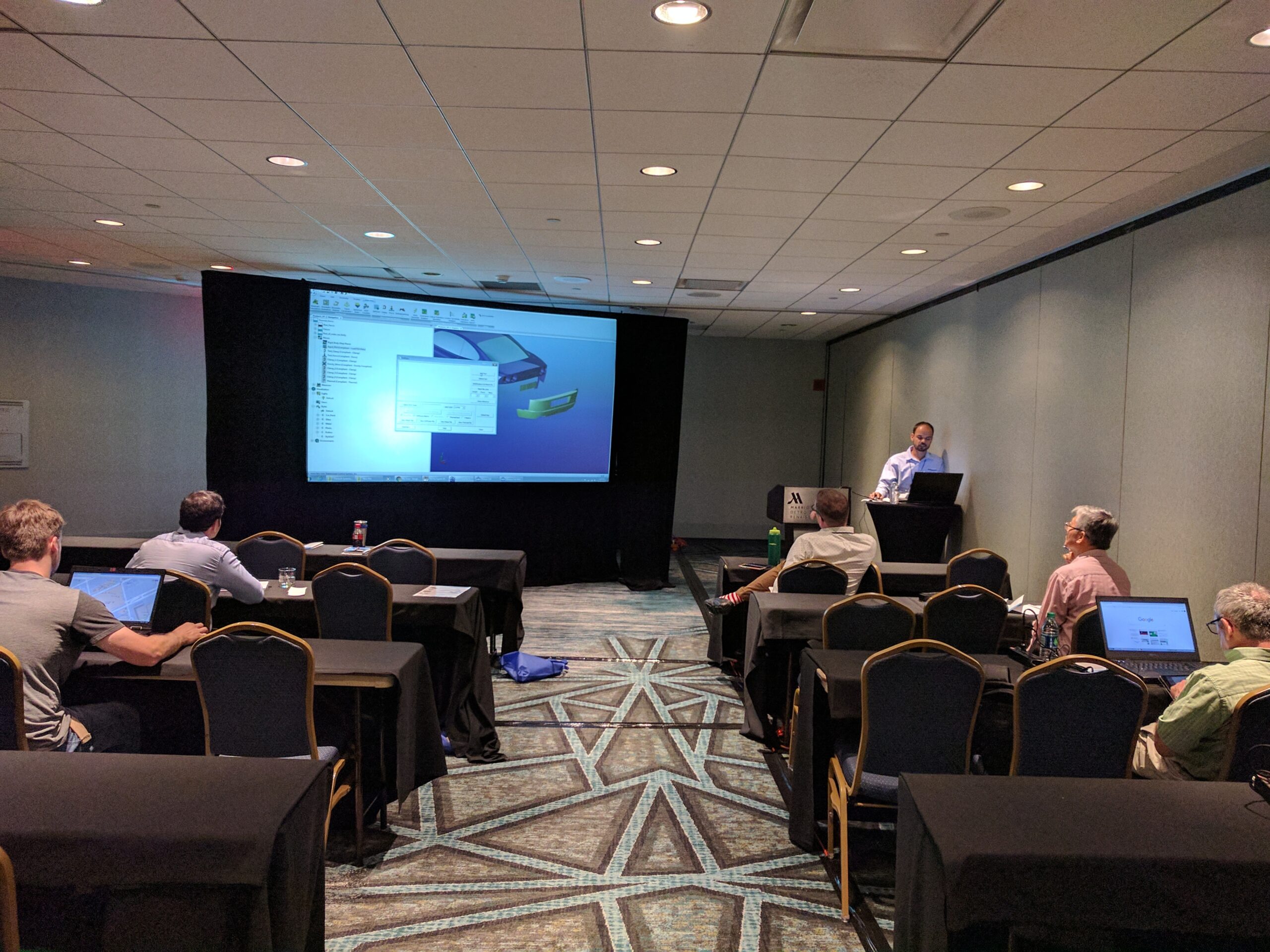
DCS Workshops – Modeling Efficiencies and FEA Compliant Modeler
FEA Compliant Modeler –
Finite Element Analysis + Tolerance Analysis
Click to View the FEA Compliant Modeler Workshop Video
Agenda:
- Specific Questions Q&A
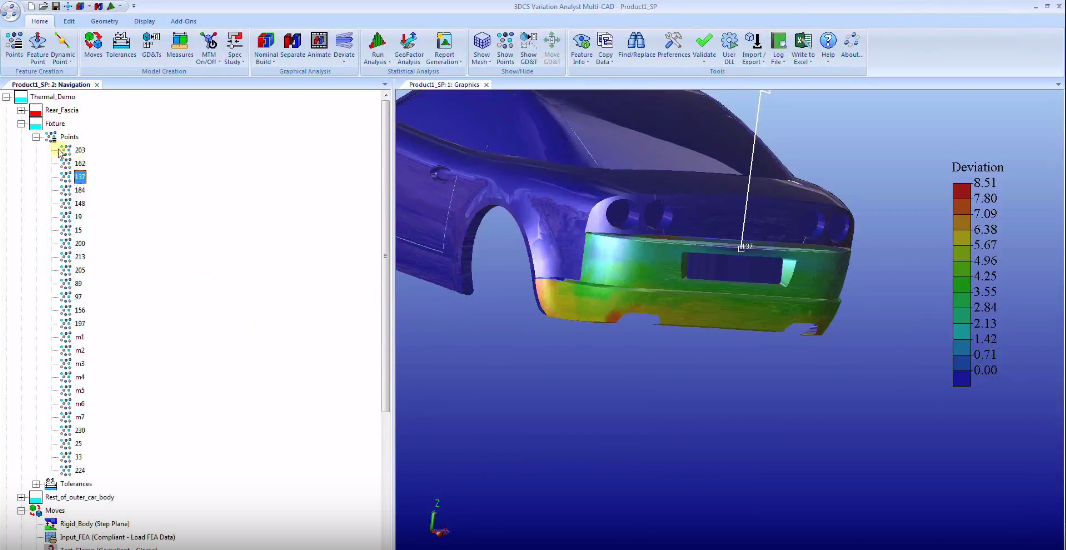
- Completed Model Demonstration – Compliant Moves and Components (Rear Fascia)
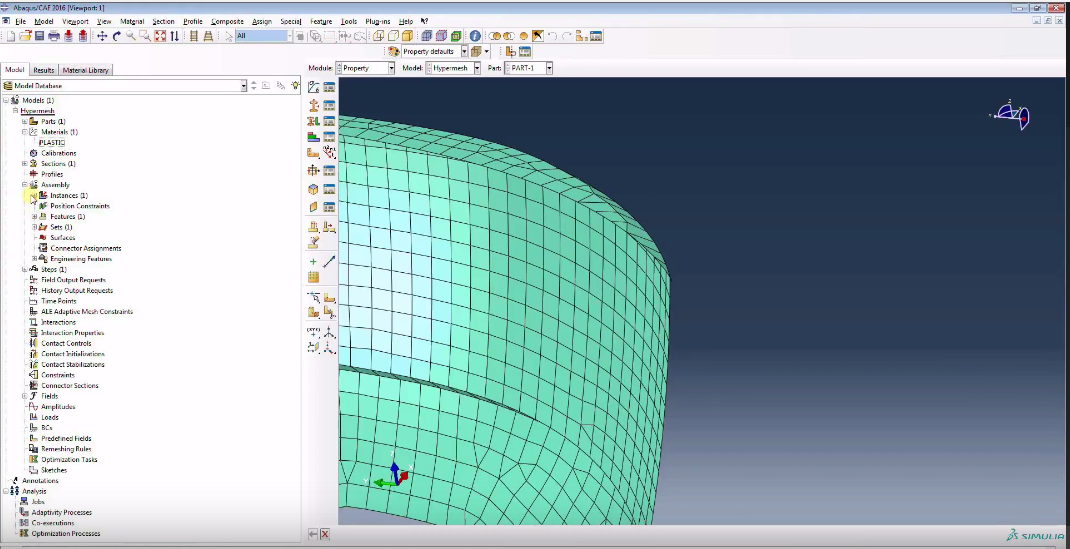
- Open mesh file in Abaqus CAE
- Walk through of the mesh file in Abaqus
- Export Mesh file
- Open Mesh File in notepad
- Discussion about nodes and material property units
- Apply Stiffgen to the model
- Input FEA data to the move
- Demonstrate the Point linking wizard.
- Discussion about test moves in the model and how to test if the mesh file is working as desired
- Gravity move (Summary to show value of gravitational force used in software)
- Thermal move (Thermal file is created for 1 degree Celsius change of temperature and then multiplied by change in temperature input in the move)
- T Matrix
- Color Mapping
Modeling Efficiencies – Model Faster and Easier
Setup
- Tree structure
- Scenes/Arrangements/Exploded Views
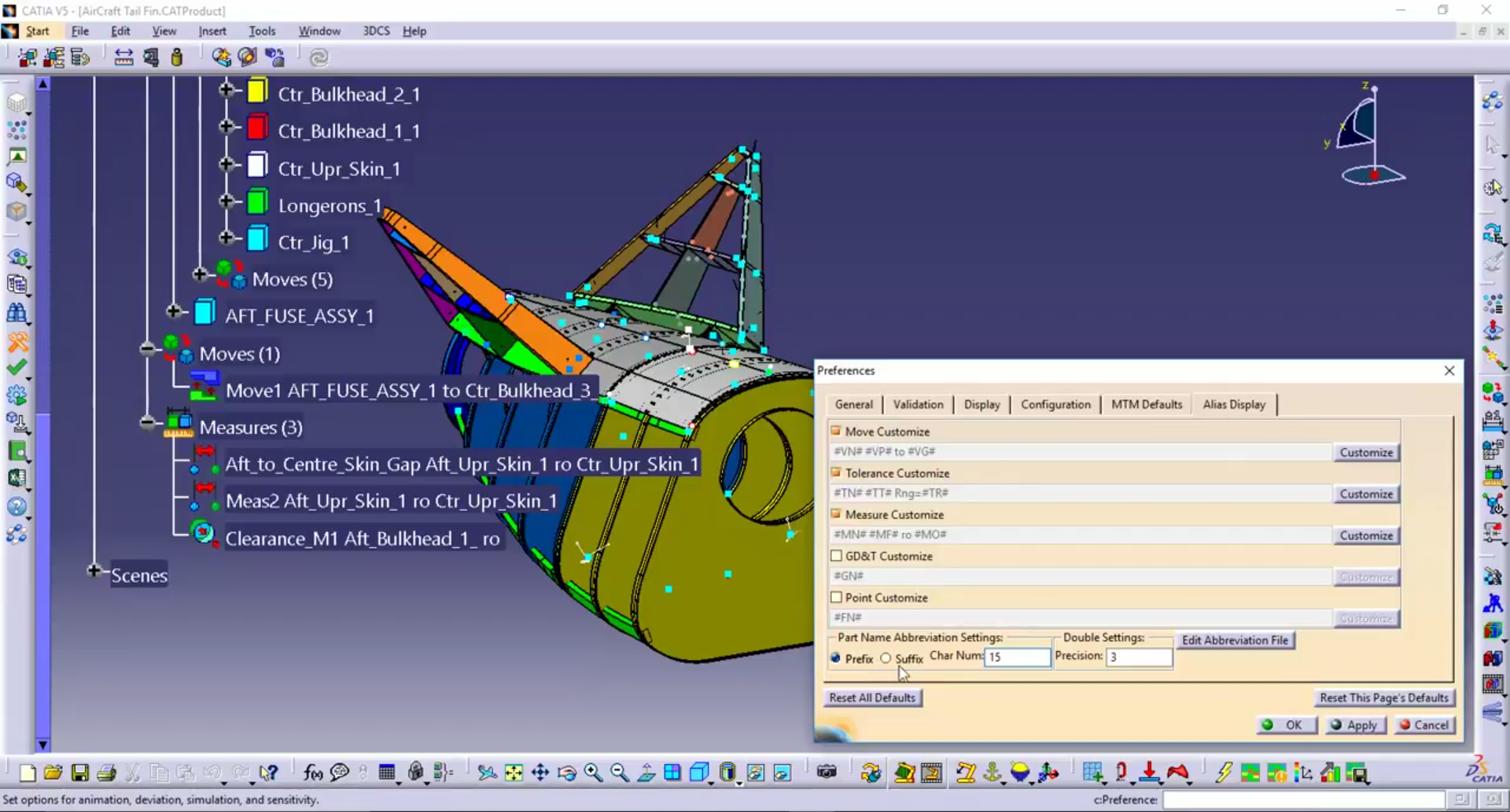
- Alias Display
- MTM Defaults
Point and MTM Creation
- Fast point
- Right-click Menu
- Copying Data
- Cloning
- Process Capability Database
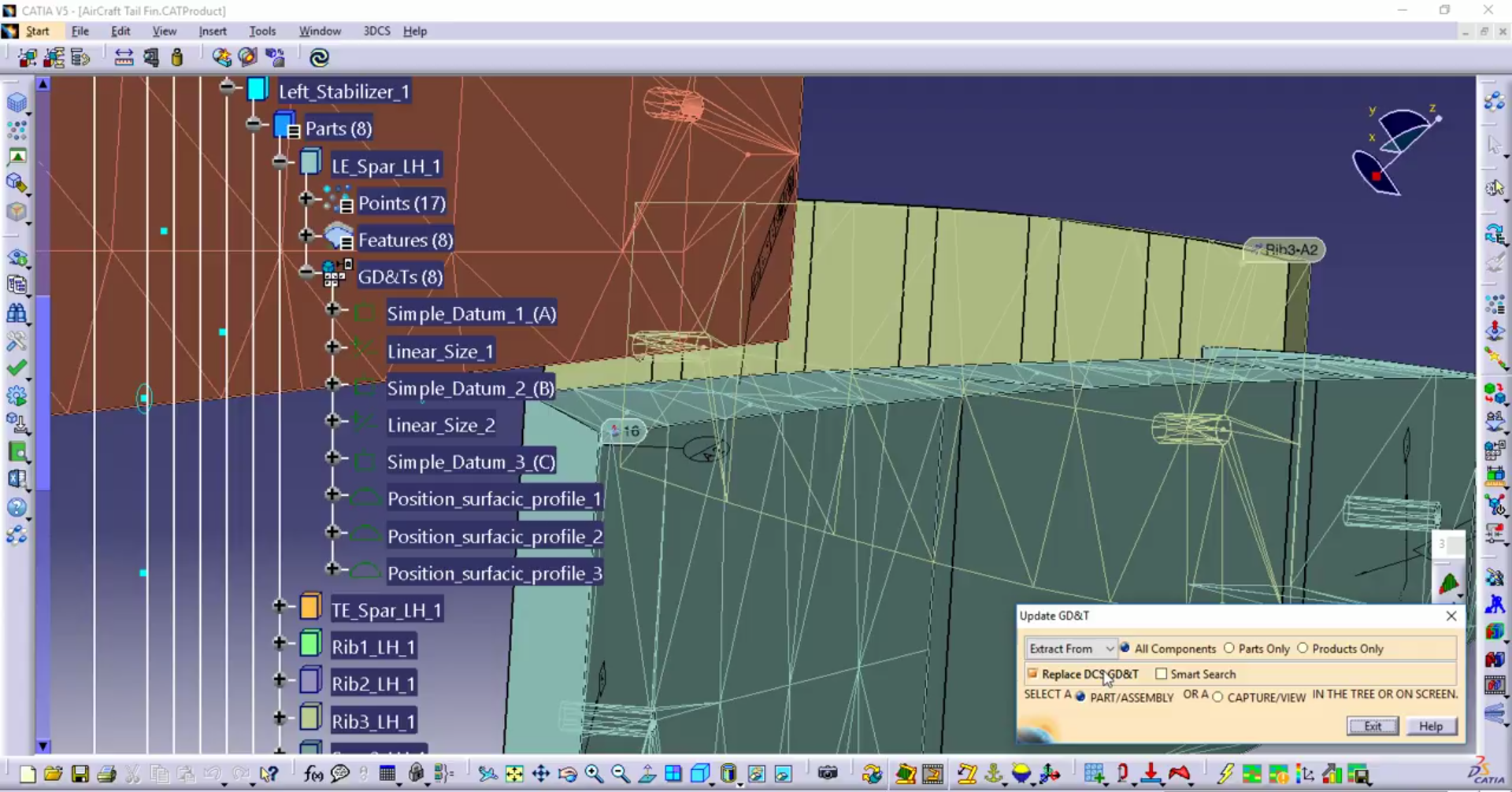
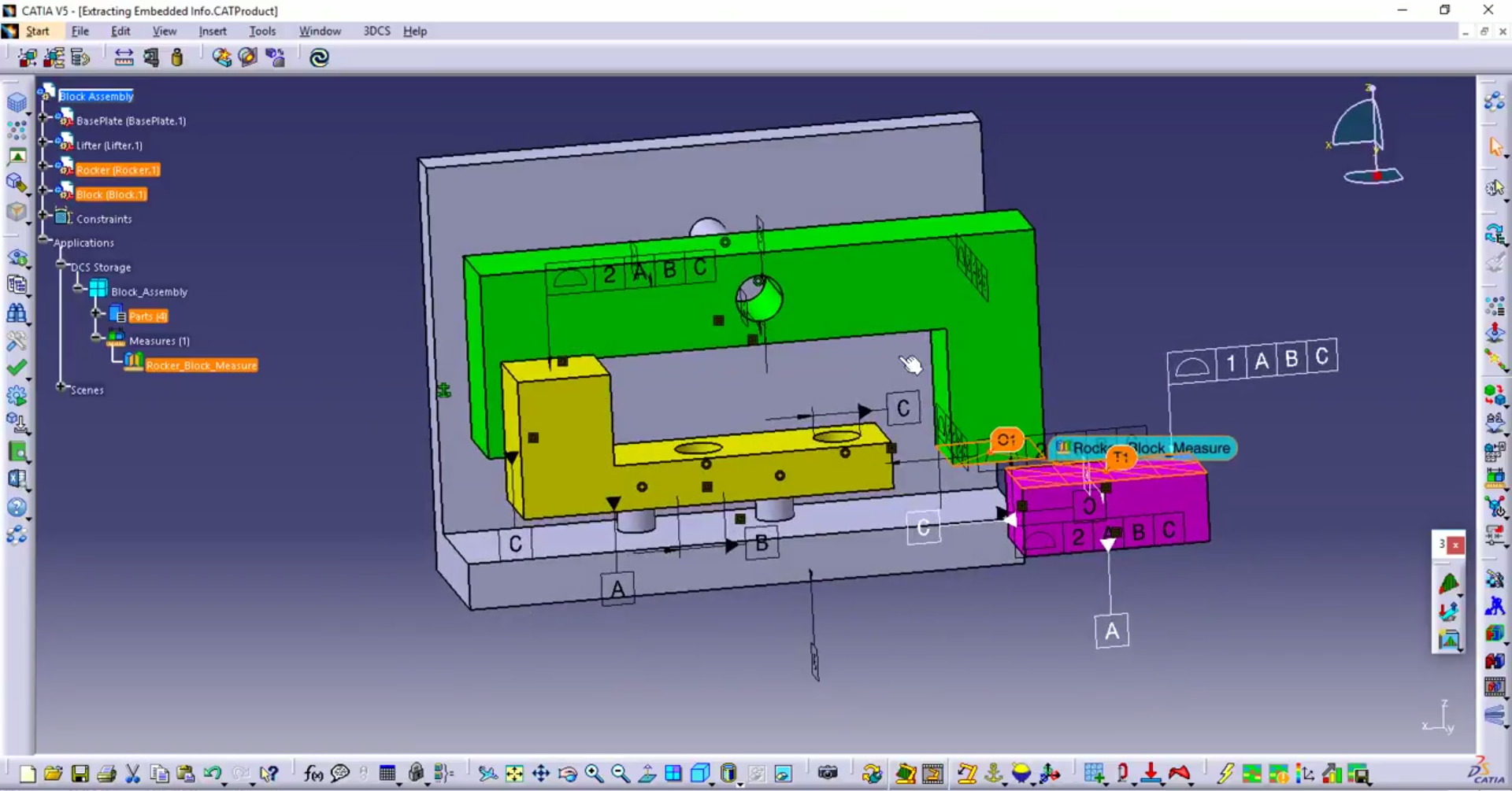
- Extracting embedded CAD information
- Mirror/Duplicate
- Measure Generator
After your model is complete, it is important to double check your work. When running simulations, there are some tips that can get your results quickly, especially if you are running iterative design optimization. Finally, you’ll want to modify your model, and quickly, and there are tools in place that can make this fast and easy.
Validation, Modifications, and Simulation
- Tolerance Wizard
- MTM Info
- Find/Replace
- Excel Export and Import
- Tips to reduce simulation run time
Click to View the Modeling Efficiencies Workshop Video
Need to Download the Videos?
Contact DCS Direct to get a download link.