
Software
Services
Resources
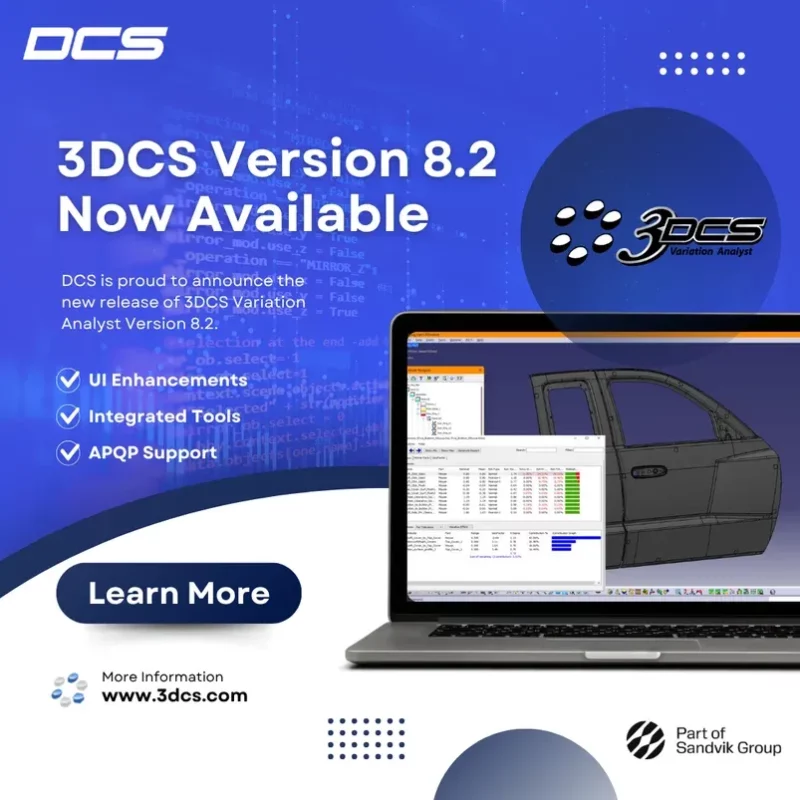
The latest version of 3DCS includes a swath of new features and functions.
Engineers can now view mean shift values for each individual contributor, offering more transparency into variation sources and allowing for more targeted process improvements.
Users can now automatically project multiple coordinate points onto calculated projected features in a single streamlined step—saving time and reducing the chance for manual error.
These advanced tools are now integrated into the standard Run Analysis window, alongside Monte Carlo and Contributor Analyses. Previously available only with an AAO license, they are now accessible to all users with a Variation Analysis license—making critical analysis capabilities more widely available.
Version 8.2 now includes Advanced Product Quality Planning (APQP) report generation within the 3DCS Automated Report. This new functionality simplifies compliance and documentation for automotive and other regulated industries.
QDMWEB QI is the new rebuilt version of QDM WEB.
Available in the cloud or on-premise, this new version brings dozens of updates, rebuilt interfaces, API’s to connect your favorite software tools, new CAPA and document management tools, and much, much more.
Find out more at the new QDMWEB QI page HERE, or join the webinar series to see for yourself
The new release of QDM Analyst 2025 introduces a range of quality of life improvements, as well as new features to help you sort your SPC data, organize your charts, and enhance your templates for quality reporting.
Please visit the DCS Community and post your question using the Forums tab. Registration is quick and grants instant access to FAQ’s, webinars, papers, and more.
In the Community you’ll find:
Too many correction loops? The Manufacturing Quality Pack is now live.
OUT NOW : Inspection Flow is live. Centralize your metrology data and close the quality loop.