
See What’s Inside the New Release of 3DCS – Version 7.7.1.0
With new optimizers, measures, and enhancements, this new release provides helpful tools for your modeling
Version 7.7.1.0 of 3DCS Variation Analyst is now available through DCS’ FileShare
With the new release, 3DCS gains some helpful enhancements to preferences, as well as two new measurements.
Join the Webinar to See for Yourself
Join DCS on November 19th to see all the new features and enhancements live:
- When: November 19th, 11:00 am EST
- Where: Gotowebinar
- Register FREE: Click Here to Register
What’s Inside Version 7.7.1.0
The new release of 3DCS provides some great enhancements and tools:
- Datum Optimizer (not included in this event)
- Tree Enhancements (Groups, DCS Tree Name, Alias)
- Dimension Distance Measure
- Volume Measurement
Datum Optimizer — Shown in October
Watch the Datum Optimizer Webinar On-Demand HERE
The new Datum Optimizer was demonstrated in the October webinar and will not be presented at this event. It is included as part of the V7.7.1.0 release.
The NEW 3DCS Datum Optimizer is a tool using a genetic algorithm to determine the optimal datum features from a candidate set with the goal of minimizing the rigid part variation or compliant part deformation.
Using Datum Optimizer during the design stage and prior to production, users can eliminate or minimize mechanism rework and tuning by selecting the best datum features while increasing confidence in passing Gage Repeatability and Reproducibility (Gage R&R) studies.
Click to Learn More about Datum Optimizer
Tree Enhancements
DCS is constantly working to improve the interface, process, and flow of its tools. The new release of 3DCS provides some helpful enhancements to the 3DCS Tree
- Groups – Reorder Features in a group
- DCS Part Name – Renaming does not require change in CAD names
- DCS Preferences – Search and layout
To better understand what these enhancements mean, make sure to join the webinar to see a DCS engineer walk through them one-by-one.
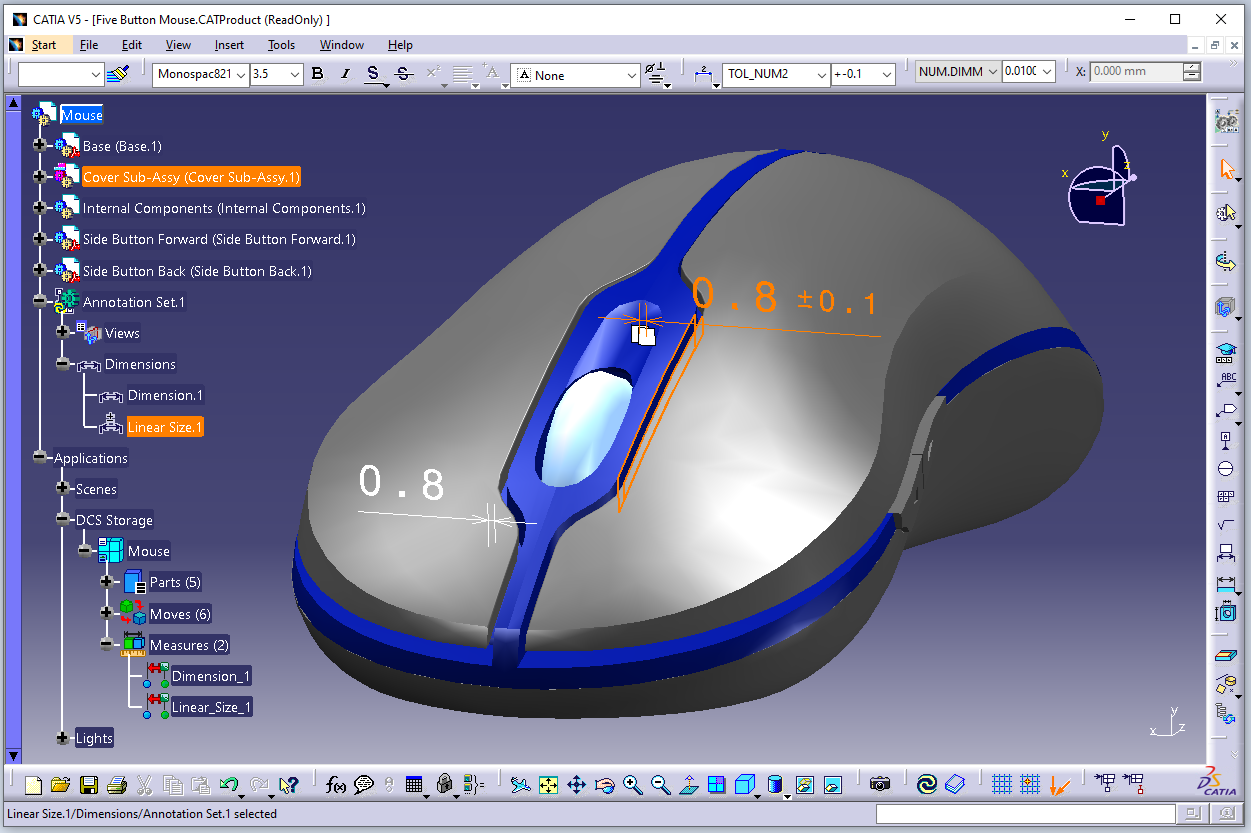
Dimension Distance Measure
This new measure is easy to create. With the ability to extract it from CAD, it can be created with the push of a button. See more at the webinar.
User Process
- Create Linear or Angular Assembly Dimensions in CAD
- Push Extract Dimension
- 3DCS Distance Measure created!
Volume Measurement
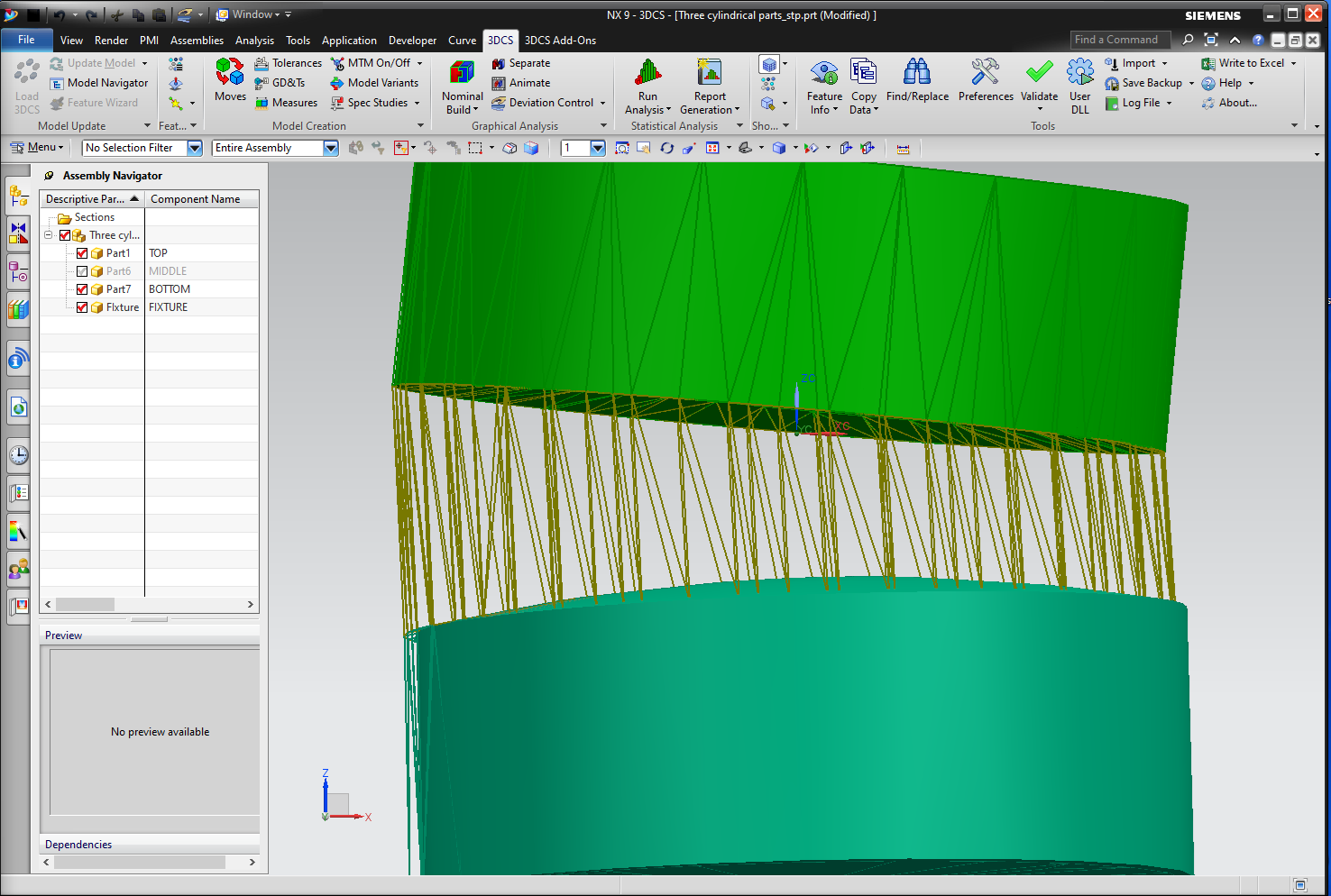
3DCS can now be used to measure changes in volume!
Use 3DCS to determine the impact of variation on the volume of a space. Set variables to deform the parts and see how force, stress, assembly, and the tolerance stack change the volume of a space or container.
Join DCS Next Week for This Exciting Webinar Event
DCS Webinars are always free, and the recordings provided after, so there is no reason to miss it. Click below and register today.